Your Robotics Playground
Where anyone can get into robotics — learn, build, and connect with a community of makers.
Start learning robotics in 3 simple steps
Code it.
Simulate it.
Visualize it.
All in the browser.
Build an autonomous robot, from scratch
Intro to ROS2
Build an autonomous museum-guide robot from scratch in ROS2. Set up a Gazebo world, learn the fundamentals — nodes, topics, TF — then write the robot's brain: it reads a LiDAR, avoids obstacles, and drives itself through the museum. Finish by packaging and publishing your project to share.
- Develop robotics applications with ROS2 — nodes, topics, pub/sub, TF, and CLI tooling
- Build and test robots in simulation using Gazebo worlds and models
- Structure, configure, and package ROS2 code with launch files, parameters, and bags
 beginner
The math robots run on, made interactive
Short explainers you learn by playing with them. Free, no signup, nothing to install.
 intermediate
Quaternions
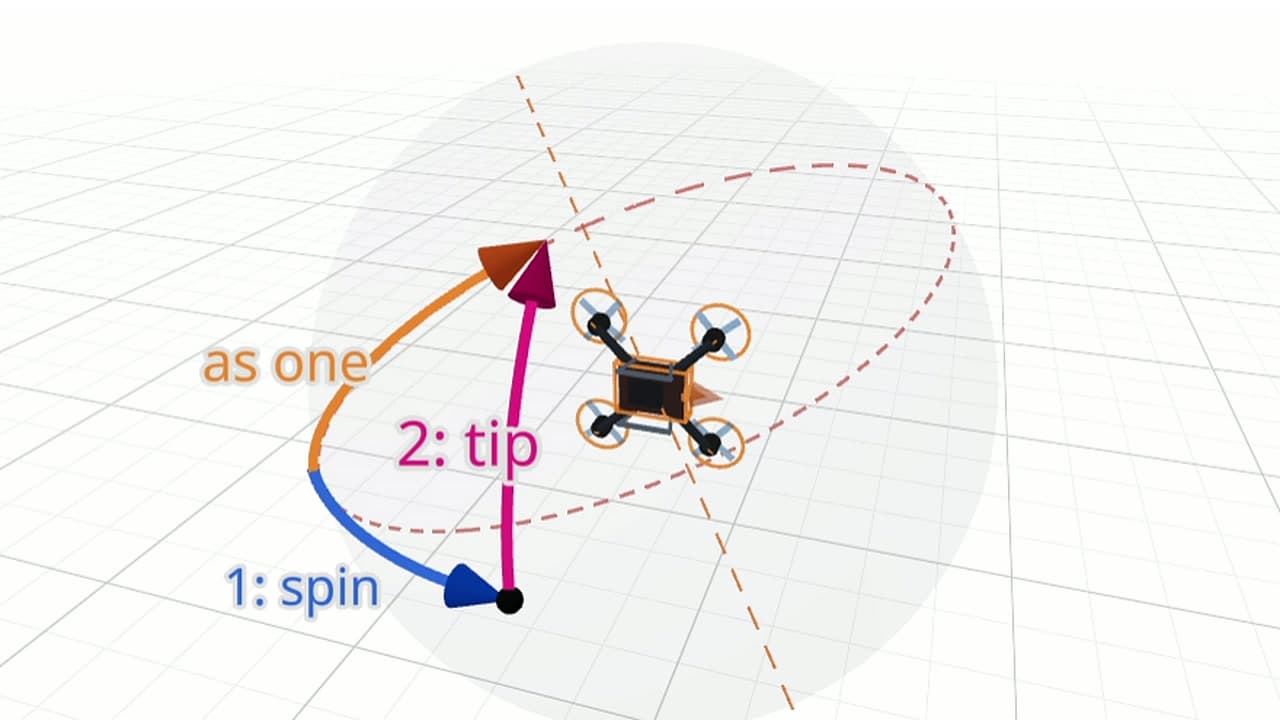
Why every robot stores orientation as four numbers instead of three. Find the axis a rotation turns about, watch three angles fail, and combine turns with four numbers.
- Explain why roll, pitch and yaw lock up, and spot gimbal lock
- Describe any turn as one turn about one line
- Write any turn as four numbers, and read the turn back from them
Lessons you play with, not just read
Drag the wheel speeds and watch the robot turn — this is a real interactive from the course. Every concept comes with something you can poke at until it clicks.
Start building in the browser
Create an account to launch a cloud workspace and start learning robotics — no setup, no hardware required.
Start building